+
Capture the work
One-time requests, recurring tasks, inspection findings, and other operational work.
Multi-facility maintenance and operations software
REQQER connects Work Orders, preventive maintenance, inspections, electronic forms, corrective action, documentation, Dashboards, and reporting across facilities and departments.
Built for skilled nursing, senior living, education, and other multi-facility organizations.
One connected process
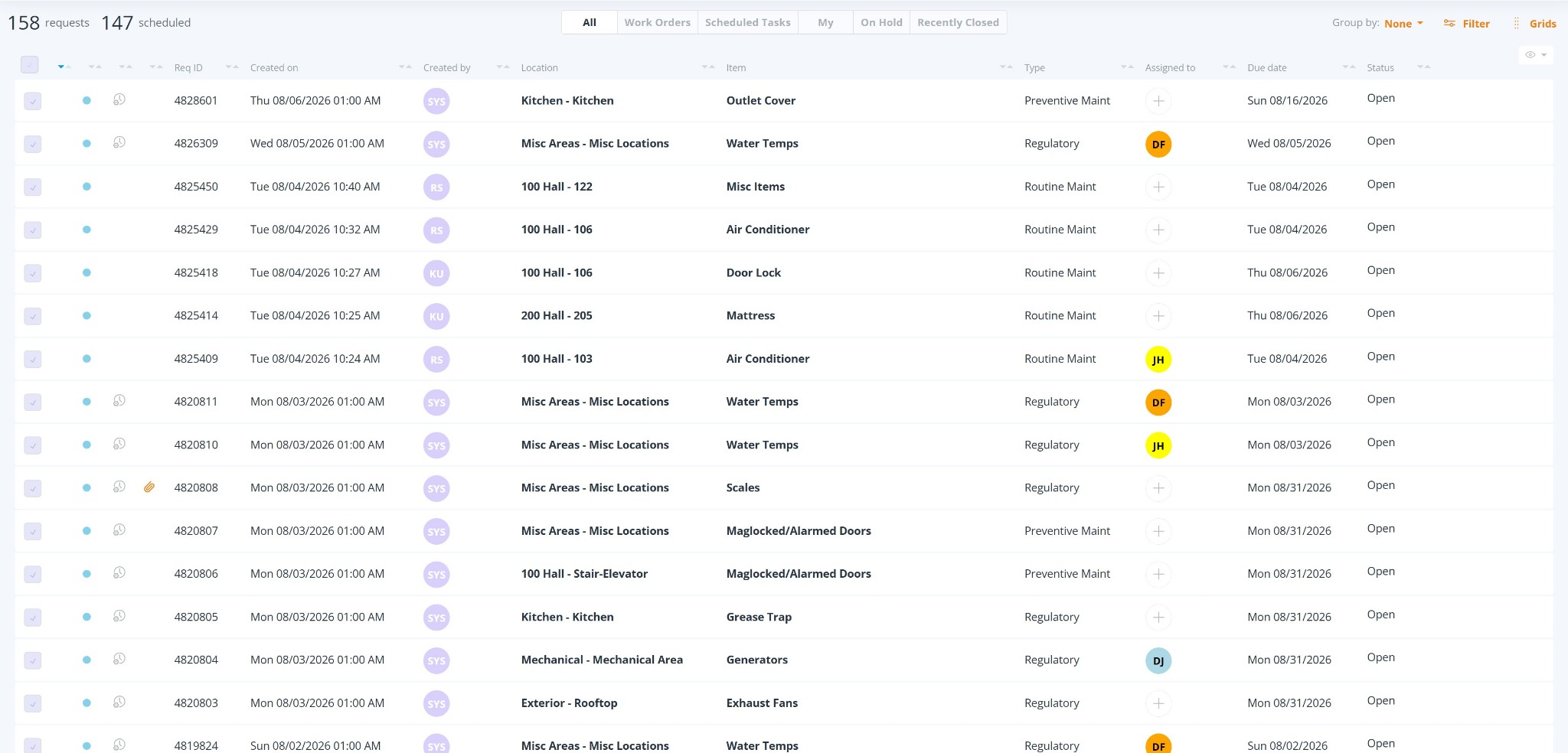
Bring work from different sources into one consistent process where it can be prioritized, assigned, performed, documented, reviewed, and reported.
One-time requests, recurring tasks, inspection findings, and other operational work.
Priority, Due Date, internal responsibility, External Vendor coordination, and Activity.
Work Duration, forms, photographs, reports, certifications, and supporting files.
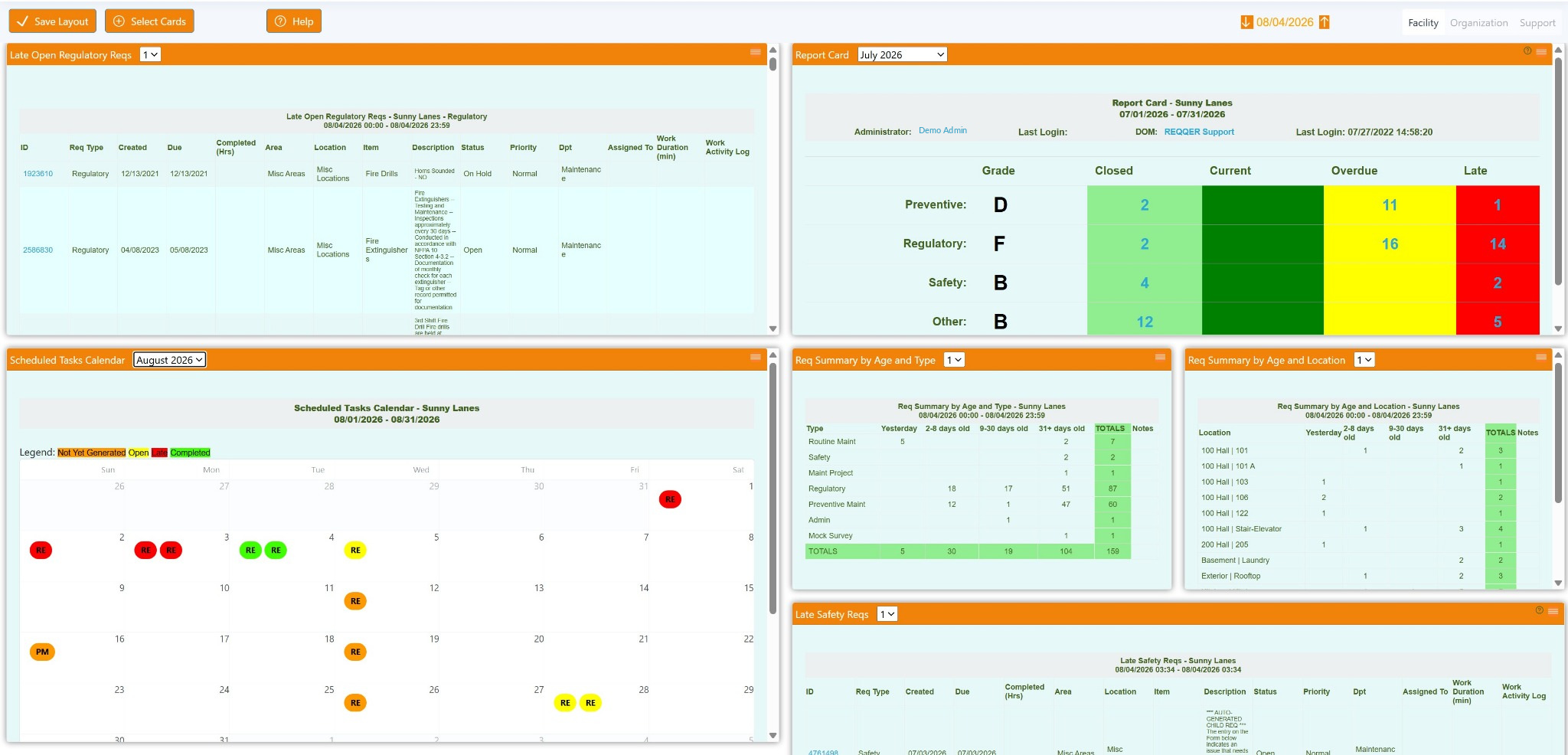
Focused lists, Dashboards, reports, escalation views, partial forms, and overdue work.
The REQQER workflow
Multi-facility. Multi-department.
REQQER is used across Maintenance, Housekeeping, Dietary, Purchasing, and other facility departments while regional and corporate teams retain broader oversight.
Keep tasks, schedules, assignments, and day-to-day views organized around the team responsible for the work.
Use appropriate fields, defaults, requirements, and views while staying within a common organizational structure.
Regional and corporate users can focus on all or selected facilities within their authorized scope.
Preventive maintenance and inspections
The Scheduler defines the recurring program. Each occurrence becomes its own Scheduled Task with a Due Date, assignment, Activity, documentation, forms, and completion history.
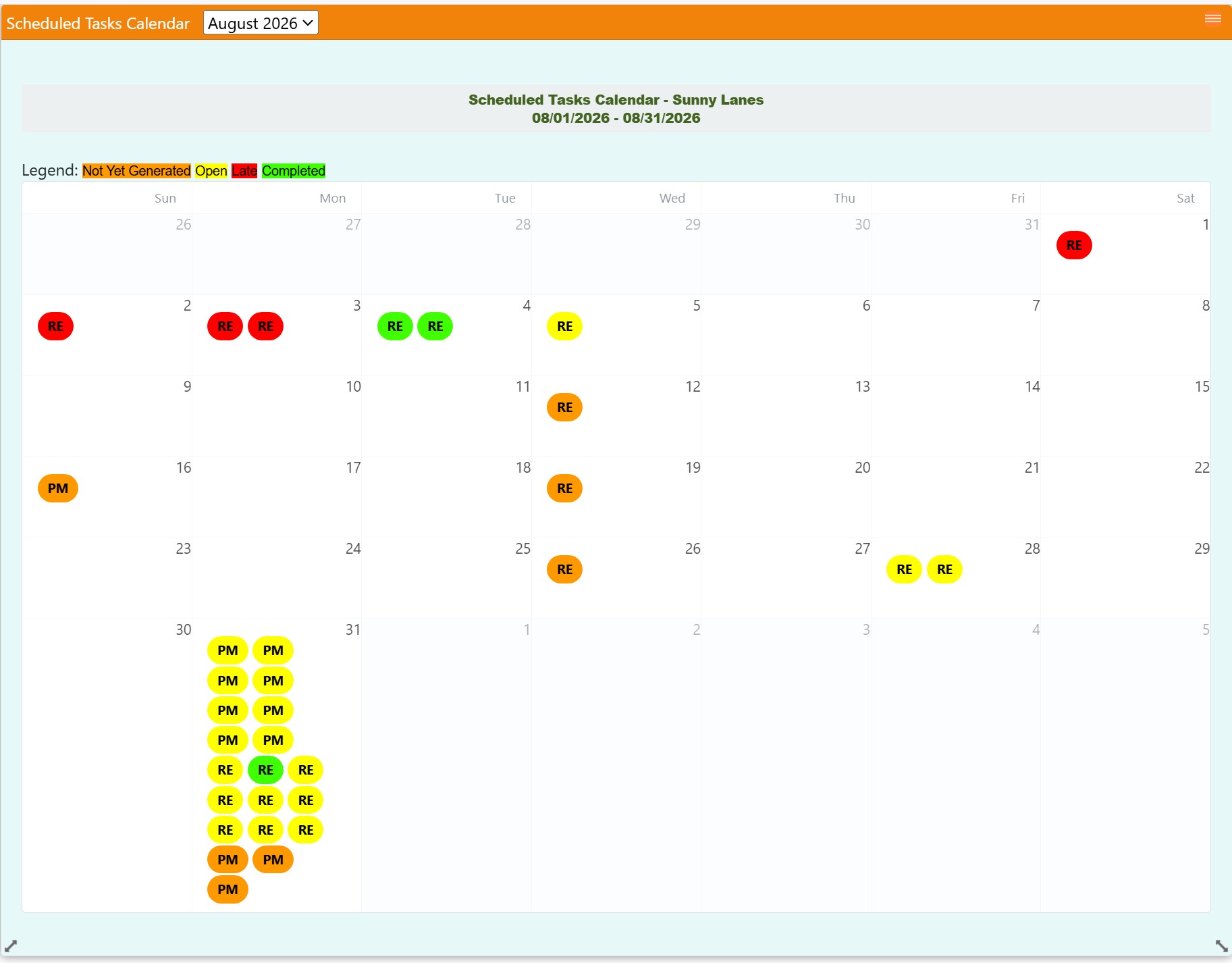
Recurring definition
Open work does not erase the recurring schedule. Future required occurrences remain separately trackable.
Corrective action
A form finding can create a separately trackable corrective child Req while preserving the connection to the inspection where the issue was discovered.
Linked back to the originating Scheduled Task and form response. The parent inspection can close while corrective work remains Open.
Documentation that follows the work
Create the operational record while the work is being performed—and organize it for management, survey, and audit review later.
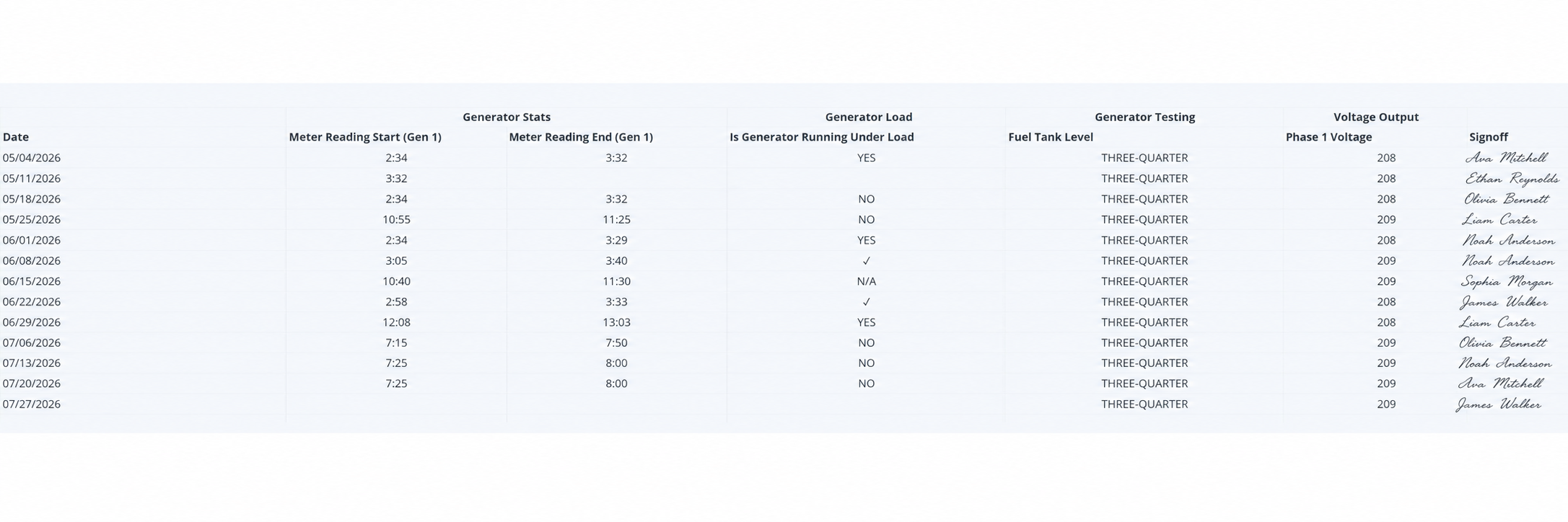
Organize selected electronic-form responses into a familiar date-based grid that can replace paper running logs and expose missing or incomplete entries.
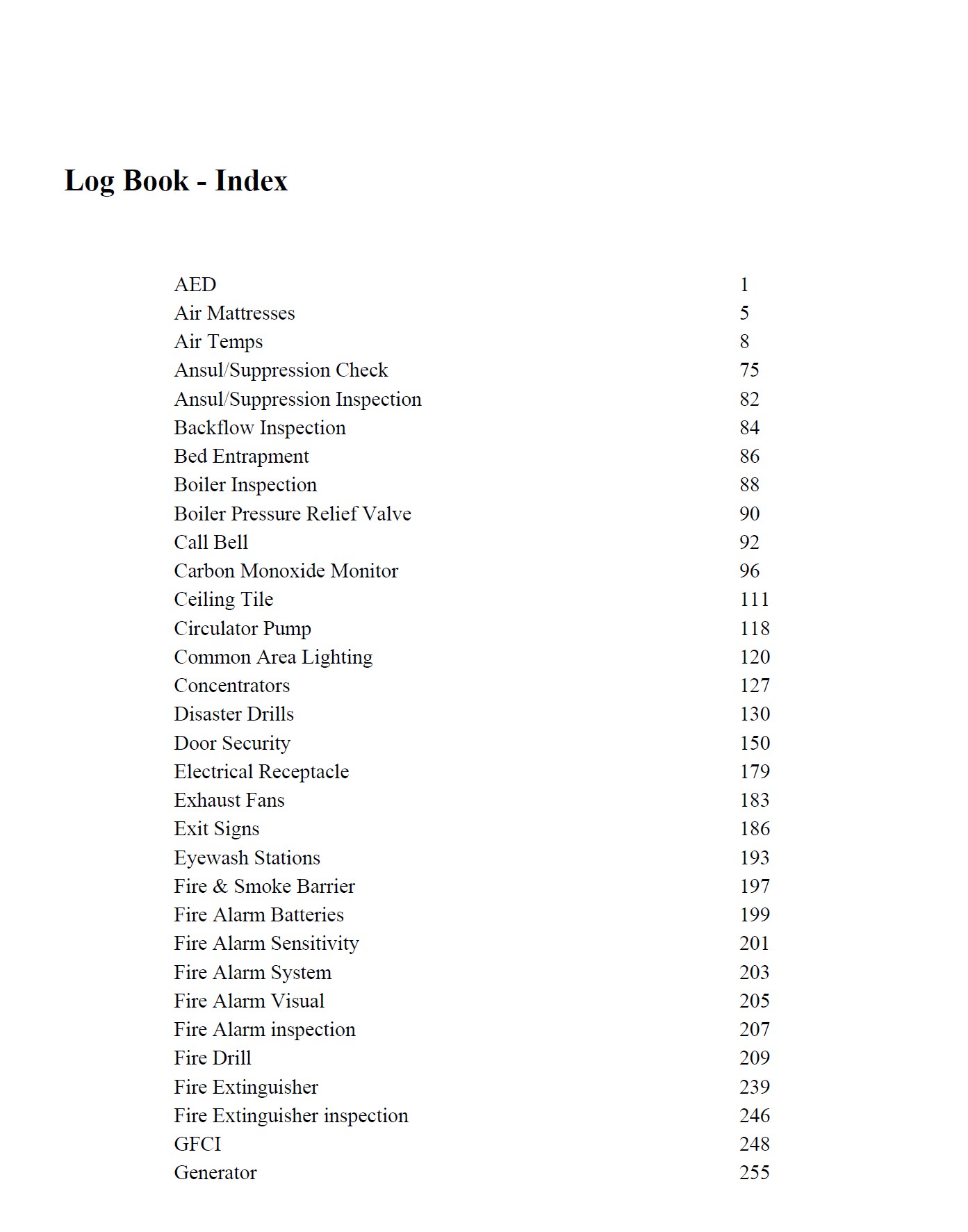
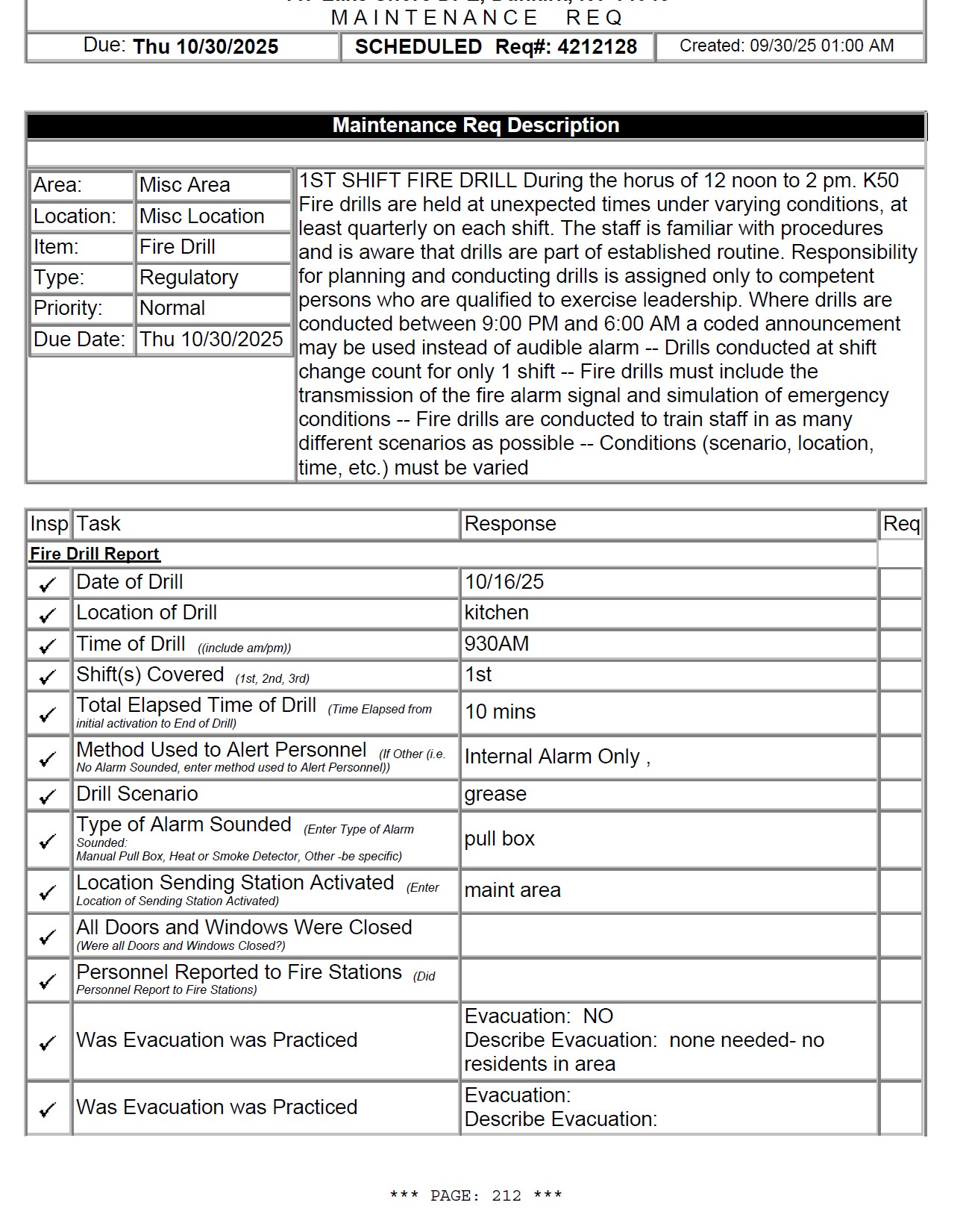
Assemble selected Scheduled Task records, forms, scanned/PDF documentation, an Index, custom page numbering, and companion non-PDF files into an organized review package.
Visibility and automated delivery
Facility users can focus locally. Regional and corporate users can work across selected facilities. Dashboard Cards and emailed reports do not have to be the same list.
Request intake and mobile access
Different users can interact with REQQER in the way that fits their role—from a full work list to a walkthrough tool to simplified login-free request submission.
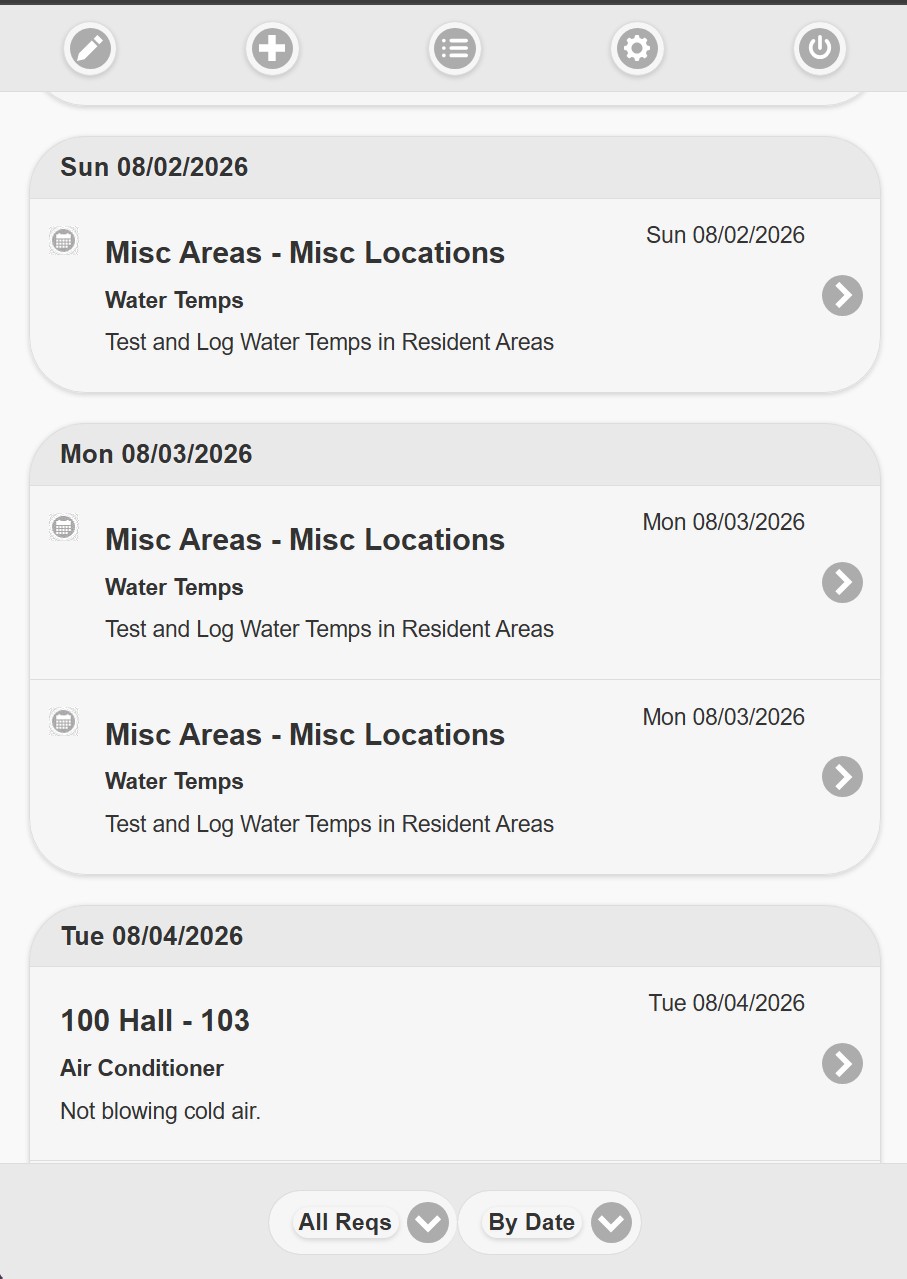
Authorized mobile workflow
Review Work Orders and Scheduled Tasks, switch among practical views, open a Req, document Activity, complete forms, attach files, and update the work from a phone or tablet.
Connected communication
Preserve significant work notes, labor time, vendor coordination, replies, photographs, proposals, inspection reports, and completion documentation with the Req.
Built for complex facility operations
Maintenance, inspections, life-safety work, vendor documentation, corrective action, and survey preparation.
Explore skilled nursingMaintenance, Housekeeping, recurring inspections, resident-area requests, documentation, and oversight.
Explore senior livingCampus and building requests, preventive maintenance, inspections, and departmental work across locations.
Explore educationA common platform for daily work, recurring tasks, forms, documentation, and organization-wide reporting.
Explore other organizationsConfigured around your operation
REQQER can adapt fields, defaults, requirements, columns, and behavior from broad standards down to individual working views.
See REQQER in action
A demonstration can focus on the workflows most relevant to your facilities, departments, preventive-maintenance program, documentation, reporting, and compliance responsibilities.