
Stage 1
Map the facility
Define Areas and Locations, create the Facility, and establish the structure used by requests and recurring work.
Implementation & Support
REQQER implementation starts with the facility's real operating structure and current work practices. Help Desk works with the customer to get Work Orders running first, then translates each facility's preventive and regulatory task calendar into the Scheduler, tailors electronic forms, and supports the organization as it expands.
Work Order workflows are usually up within a week—often sooner—when setup information is returned promptly. Scheduled Tasks typically take longer because each facility's recurring calendar and forms deserve a more deliberate review.
Configuration-led rollout
REQQER can start with standard behavior and apply more specific Organization, Facility, and User choices where appropriate.
A practical implementation sequence
Customers do not have to automate everything at once. REQQER is commonly rolled out in stages so staff can become comfortable with Work Orders before the more detailed Scheduled Task and form conversion work is completed.
Define Areas and Locations, create the Facility, and establish the structure used by requests and recurring work.
Set up request channels, Quick Entry shortcuts, Mobile workflows, and train the staff who will manage incoming Reqs.
Match the facility's preventive and regulatory calendar to Scheduler tasks, frequencies, and Next Dates.
Adapt electronic forms and validations, roll out tasks in practical groups, and extend REQQER to additional facilities on the customer's schedule.
Work Order implementation
Help Desk begins with an Area/Location spreadsheet that the customer completes around the way the building is actually organized.
Request intake
Help Desk works with the customer's IT department to place Quick Entry shortcuts on facility desktops, wall-mounted touchscreen kiosks, and individual cell phones. General staff can also be taught to submit requests by email and, when configured, optional voicemail.
Those Work Orders feed the same Requests Console used by the maintenance team to prioritize, assign, document, and resolve the work.
Live remote training
Training is included in the monthly subscription and is not billed separately.
A realistic first milestone
A facility is commonly up and running with Work Order intake and management within a week, often less. The biggest variable is usually customer turnaround because facility leaders and IT teams have competing operational priorities.
REQQER does not require the preventive-maintenance conversion to hold up this first stage. Staff can begin using Work Orders while Help Desk and the customer work through the recurring task program.
Preventive and regulatory task conversion
Once the Work Order process is established, Help Desk provides a spreadsheet of common regulatory and preventive-maintenance tasks with placeholders for Frequency and Next Date. That becomes a working starting point, not a mandatory template.
Help Desk and the customer compare the starting task list with the facility's own maintenance and regulatory calendar.
Irrelevant tasks are removed, additional responsibilities are added, and Frequency and Next Date values are aligned to the facility's desired schedule.
Help Desk imports the reviewed spreadsheet so the recurring responsibilities can begin generating individual Scheduled Task Reqs.
Maintenance staff are trained on how Scheduled Tasks appear automatically in the Requests Console and how they differ from one-time Work Orders.
Every facility has its own internal task calendar. The goal is to implement that calendar accurately rather than force all facilities into one identical schedule.
Tasks can be introduced a few at a time when form conversion or workflow review is needed, rather than delaying the whole implementation.
Electronic forms
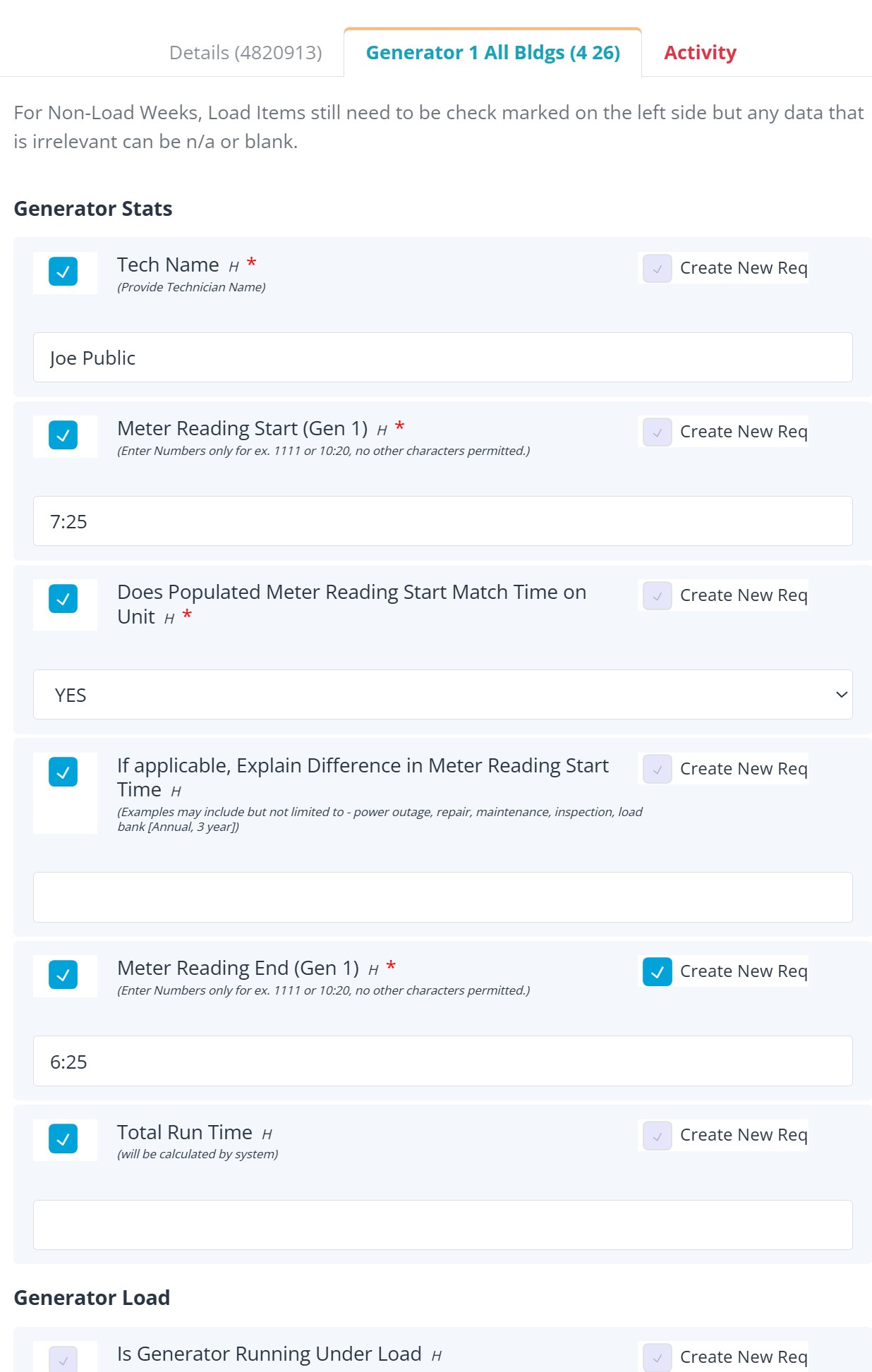
Form conversion is often an ongoing part of implementation. Help Desk can start from forms already in the REQQER library and tailor them to the customer's requirements instead of asking the facility to redesign everything from scratch.
Included support
Customers can contact REQQER Support by direct email, telephone, or the dedicated Support page inside REQQER. Anyone at the customer organization may contact Support when assistance is needed.
Ongoing partnership
A facility's process is not frozen on launch day. Help Desk can continue adjusting forms, defaults, workflow configuration, and other supported settings as needs evolve.
When a customer requests specialized custom functionality that would not normally become part of REQQER for other customers, the scope and any associated terms are discussed and agreed upon before that work begins.
Straightforward facility pricing
REQQER does not require an organization-wide rollout. Customers often begin with one or two facilities, prove the workflow, and extend to additional facilities according to their own operating schedule.
Standard facilities up to approximately 250 beds are $75 per month per facility. Larger facilities are quoted separately based on the circumstances. There are no setup or configuration charges, and training and support are included. Customers sign a Software Subscription Agreement that documents the basic financial and operational relationship.
There is no requirement to deploy REQQER to every facility in an Organization at once. Many customers start with one or two facilities; where practical, two facilities can make the value of multi-facility reporting and oversight easier to evaluate. REQQER generally does not offer trials because meaningful facility automation requires real setup and configuration work.
Plan the rollout
A REQQER discussion can start with one facility and one practical goal—then map the path from request intake through recurring work, forms, documentation, training, and broader multi-facility visibility.